VidiovsVizard AI
Vidio leans toward AI video editing tools, while Vizard AI is built for text-to-video generation.
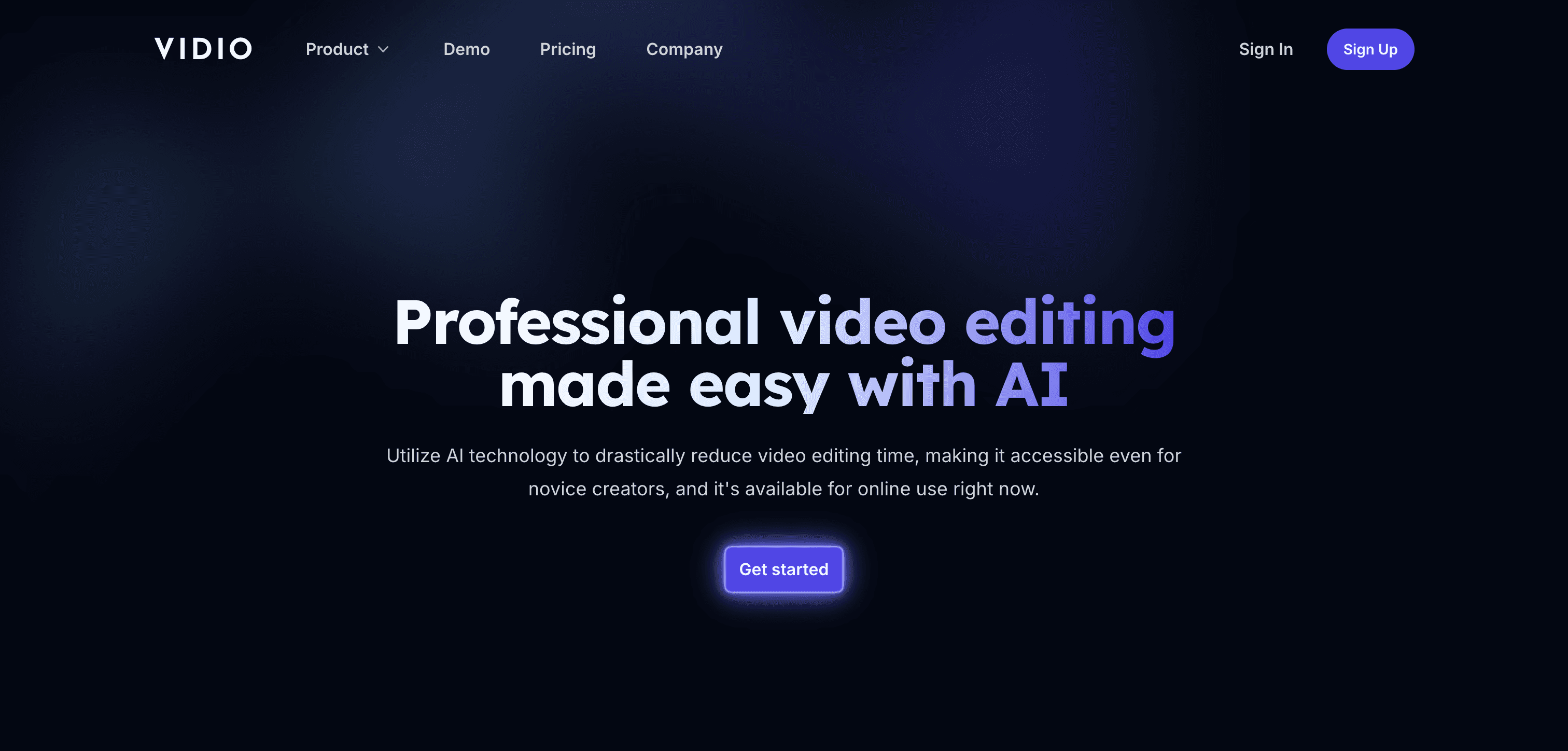
Vidio
$8 / mo
Browser-based AI assistant that automates editing tasks and exports to Premiere, Final Cut and DaVinci Resolve.
Pick Vidio if you need
- ✓AI Video Editing Tools
- ✓Video Upscaling and Enhancement
- ✓Background Removal and Effects

Vizard AI
Free plan available
AI-powered video personalization platform for creating tailored video experiences at scale
Pick Vizard AI if you need
- ✓Text-to-Video Generation
- ✓Image-to-Video Generation
- ✓YouTube Video Creation
What Vidio and Vizard AI have in common
Online AI Video Tools
Feature comparison
Vidio
$8 / mo- •Auto scene detection, cutting, transitions and silence removal
- •XML export to Premiere Pro, Final Cut Pro and DaVinci Resolve
- •Stabilisation, noise removal, 4K upscaling and frame interpolation
- •Face and licence plate blurring, object tracking and rotoscoping
Vizard AI
Free plan available- •Dynamic content customization
- •Automated A/B testing
- •Real-time performance analytics
- •Integration with major marketing platforms
| Tool | Key Features | Price |
|---|---|---|
Vidio |
| $8 / mo |
Vizard AI |
| Free plan available |
Frequently asked questions
Does Vidio have a free plan?›
Yes — Vidio offers a free tier, so you can try it before paying.
What does Vidio do that Vizard AI doesn't?›
Vidio covers AI video editing tools, video upscaling and enhancement, background removal and effects, which Vizard AI is not listed for.
What does Vizard AI do that Vidio doesn't?›
Vizard AI covers text-to-video generation, image-to-video generation, YouTube video creation, which Vidio is not listed for.
Can Vidio and Vizard AI be used for the same work?›
Yes — both are listed for online AI video tools, so they overlap for that kind of project.