CapcutvsHeyGen
Different jobs: CapCut edits footage you filmed, HeyGen generates footage you never filmed — pick HeyGen if you need a presenter on screen without a camera, and CapCut if you have real footage to cut.
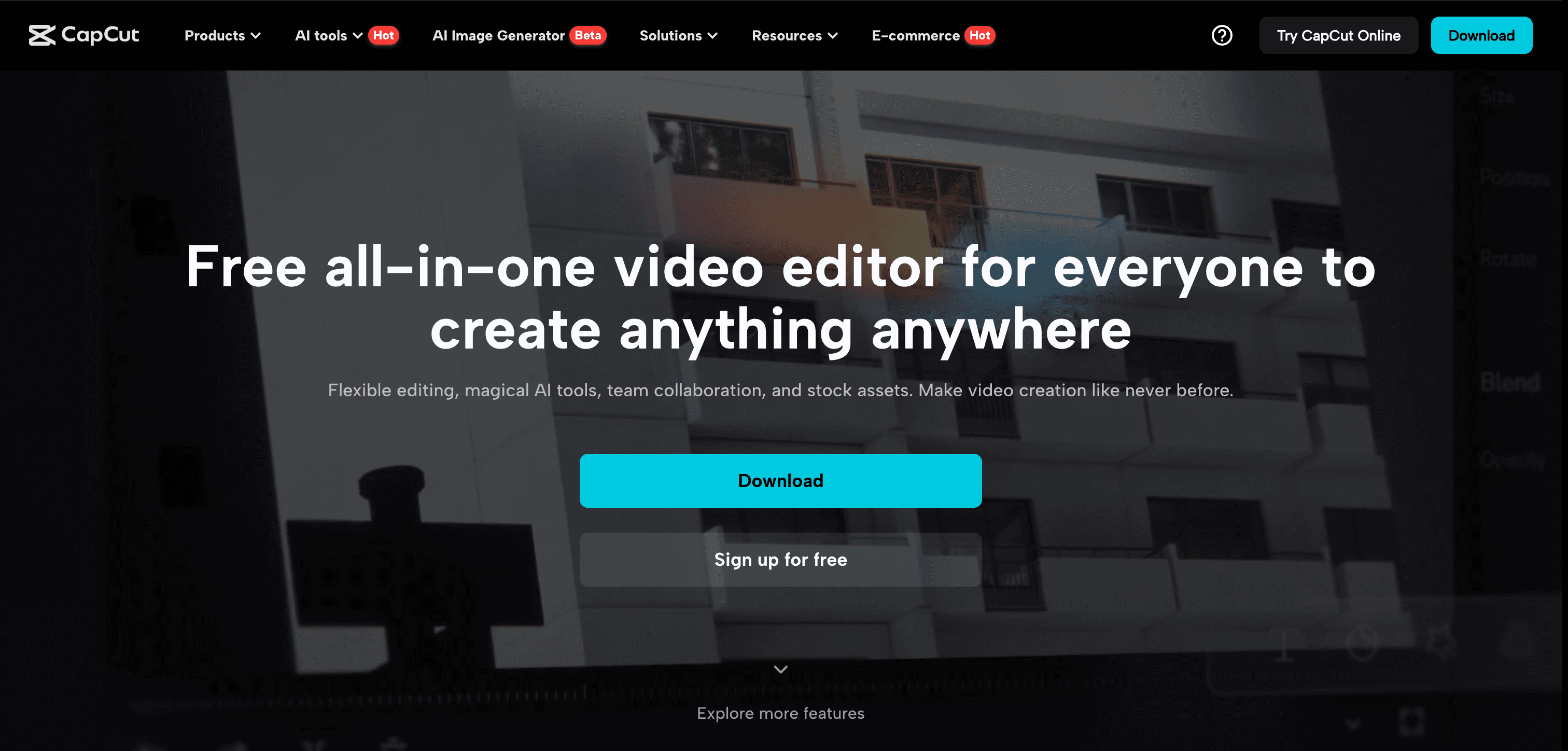
Capcut
CapCut is a powerful AI-driven video editing app that simplifies content creation for social media platforms.
Pick Capcut if you need
- ✓You have real footage and the task is trimming, effects, captions and social formatting
- ✓You want a free tool and cannot justify a subscription
- ✓You need a proper multi-track timeline with keyframes and manual control
- ✓You edit on mobile as well as desktop
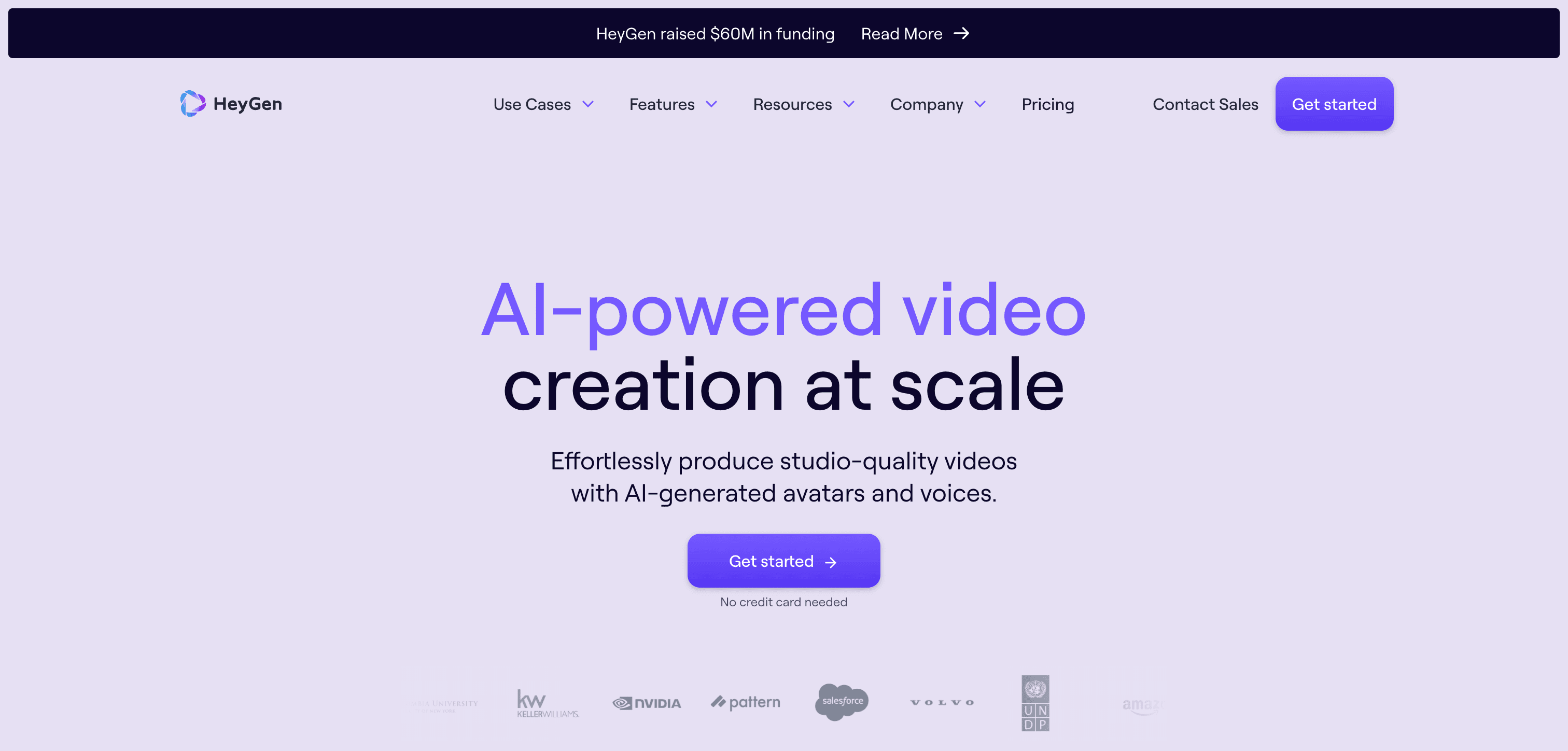
HeyGen
AI-powered video generation platform for creating personalized, presenter-led videos at scale
Pick HeyGen if you need
- ✓You need a person delivering a script on camera and do not want to film one
- ✓You are localising the same presenter video into many languages
- ✓You generate video programmatically and need an API
- ✓Your use case is training, onboarding or product explainer content at volume
What the pricing actually gets you
CapCut's editor is free and its Pro pricing is only shown in-app, varying by region and device. HeyGen publishes plans and has a free tier, but two limits matter more than the price: commercial usage rights and 4K rendering are both paid-only, so free HeyGen output is not licensed for business use. HeyGen also bills by generated video minutes rather than seats, so cost scales with output volume in a way an editor subscription does not.
What Capcut and HeyGen have in common
Feature comparison
Capcut
Pricing not listed- •AI-powered video editing tools
- •Extensive template library
- •Multi-track editing capabilities
- •Seamless social media integration
HeyGen
$29 / mo- •AI avatar creation
- •Multilingual video generation
- •Customizable video templates
- •Text-to-speech synthesis
| Tool | Key Features | Price |
|---|---|---|
Capcut |
| Pricing not listed |
HeyGen |
| $29 / mo |
Frequently asked questions
Can CapCut create an AI avatar presenter?›
CapCut has added some AI generation features, but a full avatar platform is not its focus — it is fundamentally an editor for footage you supply. HeyGen is built around avatar generation with 1,100+ stock avatars and 175+ languages.
Can I use HeyGen's free plan for business videos?›
No. Commercial use is restricted to paid plans on HeyGen. The free tier is for evaluation only.
Would I use both together?›
That is a common pattern: generate the presenter segments in HeyGen, then assemble, caption and style the final video in CapCut.
Does HeyGen have a free plan?›
Yes — HeyGen offers a free tier, so you can try it before paying.
What does Capcut do that HeyGen doesn't?›
Capcut covers short video and clip generation, free AI video generators, AI video editing tools, which HeyGen is not listed for.
What does HeyGen do that Capcut doesn't?›
HeyGen covers text-to-video generation, AI avatar and character creation, which Capcut is not listed for.
Can Capcut and HeyGen be used for the same work?›
Yes — both are listed for animation and cartoon generation, YouTube video creation, AI video creation platforms, so they overlap for that kind of project.