Opus ClipvsSsemble
Both clip long video into shorts; Ssemble undercuts on price by metering in 20-minute video credits, while Opus Clip offers broader imports and a free tier you can properly evaluate on.

Opus Clip
AI-driven tool for automatically generating short video clips from longer content
Pick Opus Clip if you need
- ✓You want to test on a free plan before paying — 60 minutes of processing per month
- ✓You import from Zoom, Twitch, Google Drive or YouTube rather than uploading files
- ✓You want one-click publishing to social from inside the tool
- ✓You need a documented public API
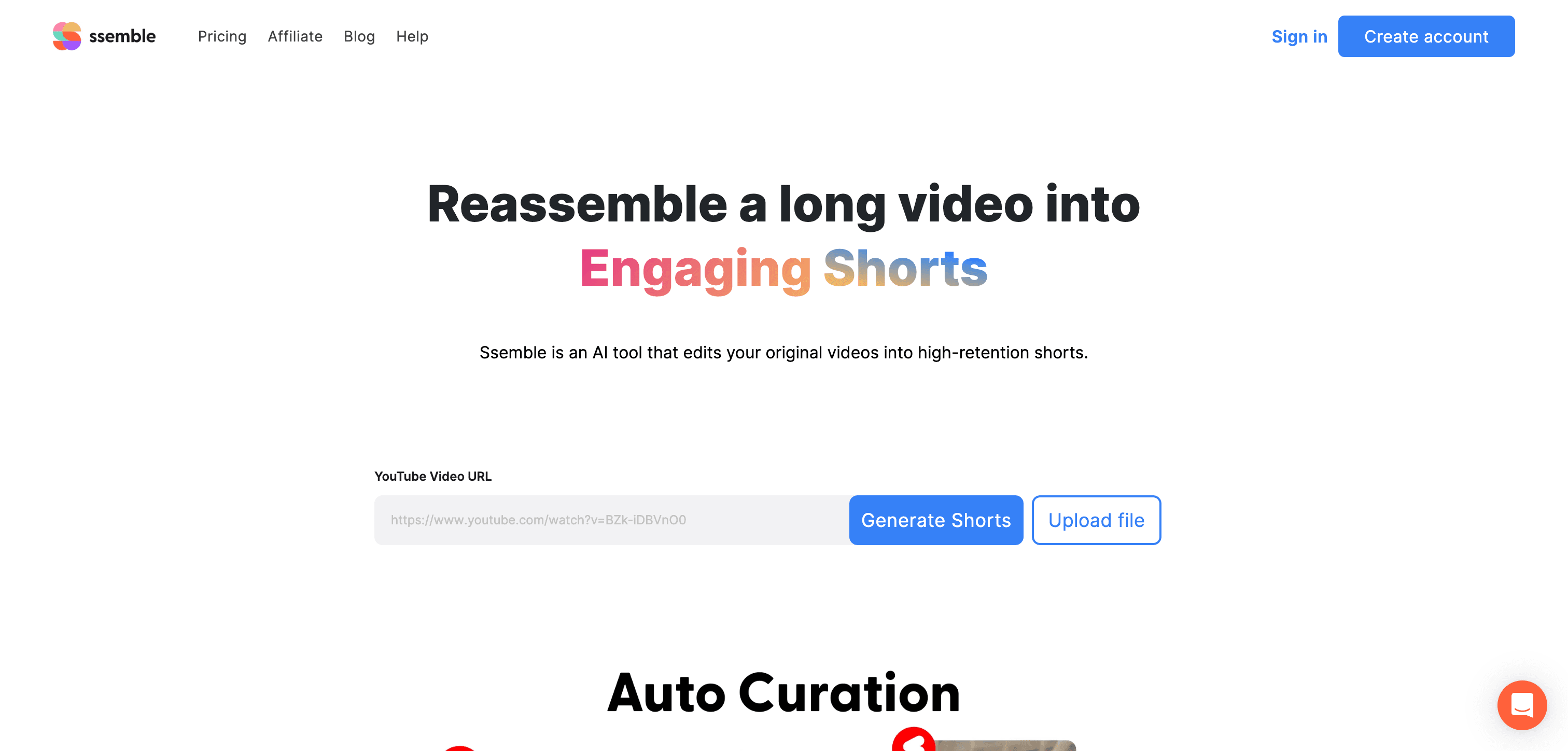
Ssemble
AI-powered video assembly platform for creating dynamic compilations and montages
Pick Ssemble if you need
- ✓Cost per hour of source video is your main constraint
- ✓You can commit to annual billing to get the low headline rate
- ✓You want scheduling and multiple connected social accounts on cheap tiers
What the pricing actually gets you
Ssemble's low headline price requires annual billing and is metered in credits where one credit covers a video of up to 20 minutes — so a 90-minute podcast consumes several credits, and the entry tier's annual credit allowance is what you should actually be comparing, not the monthly figure. There is no Ssemble free plan. Opus Clip's free tier gives 60 minutes of processing a month but watermarks animated caption templates and expires clips after 3 days. Ssemble does not publish watermark or export-resolution terms, and Opus Clip does not publish export resolution above 1080p.
What Opus Clip and Ssemble have in common
Feature comparison
Opus Clip
$15 / mo- •Intelligent highlight detection
- •Vertical video optimization
- •AI-powered content tagging
- •Automatic caption generation
Ssemble
$6 / mo- •Intelligent clip selection
- •Automated video sequencing
- •AI-driven music synchronization
- •Smart transition suggestions
| Tool | Key Features | Price |
|---|---|---|
Opus Clip |
| $15 / mo |
Ssemble |
| $6 / mo |
Frequently asked questions
How does Ssemble's credit system work?›
Ssemble charges one credit per video of up to 20 minutes, and its plans are sold as annual credit allowances. Longer source videos consume proportionally more credits, so estimate by total hours of footage rather than number of uploads.
Does Ssemble have a free plan?›
No. Ssemble's plans all start as paid subscriptions. Opus Clip does offer a free plan with 60 minutes of monthly processing, which makes it the easier of the two to trial.
Which offers an API?›
Both advertise API access — Opus Clip publishes a public API, and Ssemble lists API access on its plans.
Is Opus Clip cheaper than Ssemble?›
Ssemble is the cheaper option at $6 / mo, compared with $15 / mo for Opus Clip.
Does Opus Clip have a free plan?›
Yes — Opus Clip offers a free tier, so you can try it before paying.
What does Ssemble do that Opus Clip doesn't?›
Ssemble covers AI-powered video editing software, which Opus Clip is not listed for.
Can Opus Clip and Ssemble be used for the same work?›
Yes — both are listed for short video and clip generation, AI video editing tools, TikTok and reels and shorts AI tools, so they overlap for that kind of project.