clip.fm
Turns long podcasts and interviews into captioned short clips, with uploads up to 10GB and batch processing.
Solid pick for turning podcasts and interviews into captioned clips if the 7-day trial fits your workflow.
Pros
- +7-day free trial
- +Accepts files up to 10GB in MP4, MOV and AVI
- +Batch upload of multiple files
Cons
- −Pricing is client-rendered and not published in the page
- −Trial requires sign-up before costs are visible
What is clip.fm?
- Automatic clip selection using hook, emotion and virality scoring
- Auto-captioning on generated clips
- Platform-sized exports for TikTok, Instagram, YouTube, Twitter and LinkedIn
- Batch upload of MP4, MOV and AVI files up to 10GB and 4K
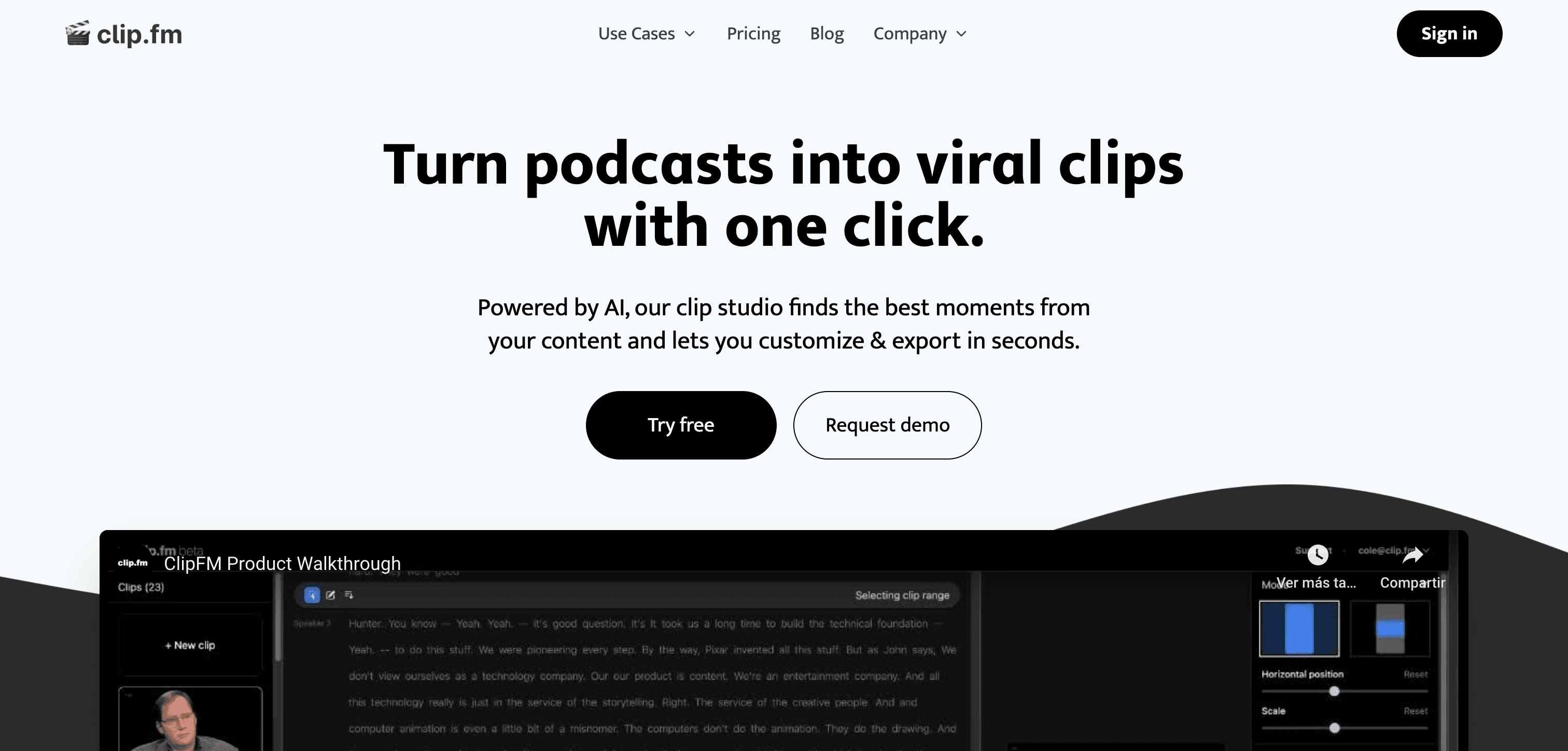
clip. fm is a clipping tool for long-form video. You upload a podcast episode, interview, or recorded stream, and the platform analyses it to find the segments most likely to work as standalone short-form posts, then exports those moments as finished clips. It does not generate video from scratch - the source material is always footage you already have. The selection step is where the AI does its work. clip.
fm scores segments using emotion detection, hook analysis, and a virality score, looking at speech patterns and engagement signals to decide which moments to cut. Captions are generated automatically for each clip, which is effectively a requirement for feeds that autoplay muted. Export is platform-aware. Rather than producing one clip and leaving you to reformat it, clip. fm outputs to the dimensions and length limits of each destination: 9:16 for TikTok, Instagram, and YouTube Shorts, 16:9 for Twitter, 1:1 for LinkedIn, and longer allowances for Facebook. Input formats are MP4, MOV, and AVI, with support for files up to 4K and up to 10GB - large enough for a full unedited recording session rather than a pre-trimmed export.
The intended user is someone with a steady output of long recordings: podcasters, interviewers, and the editors working for them. Batch upload lets you queue several files at once, which suits a back catalogue or a weekly publishing rhythm more than one-off edits. There is a 7-day free trial. Plan prices are rendered client-side and are not visible in the page source, so you have to sign up before the costs become clear.