Clips AIvsVeed.io
Veed.io is the broader tool — it also covers video upscaling and enhancement and background removal and effects, while Clips AI stays focused on what both do.
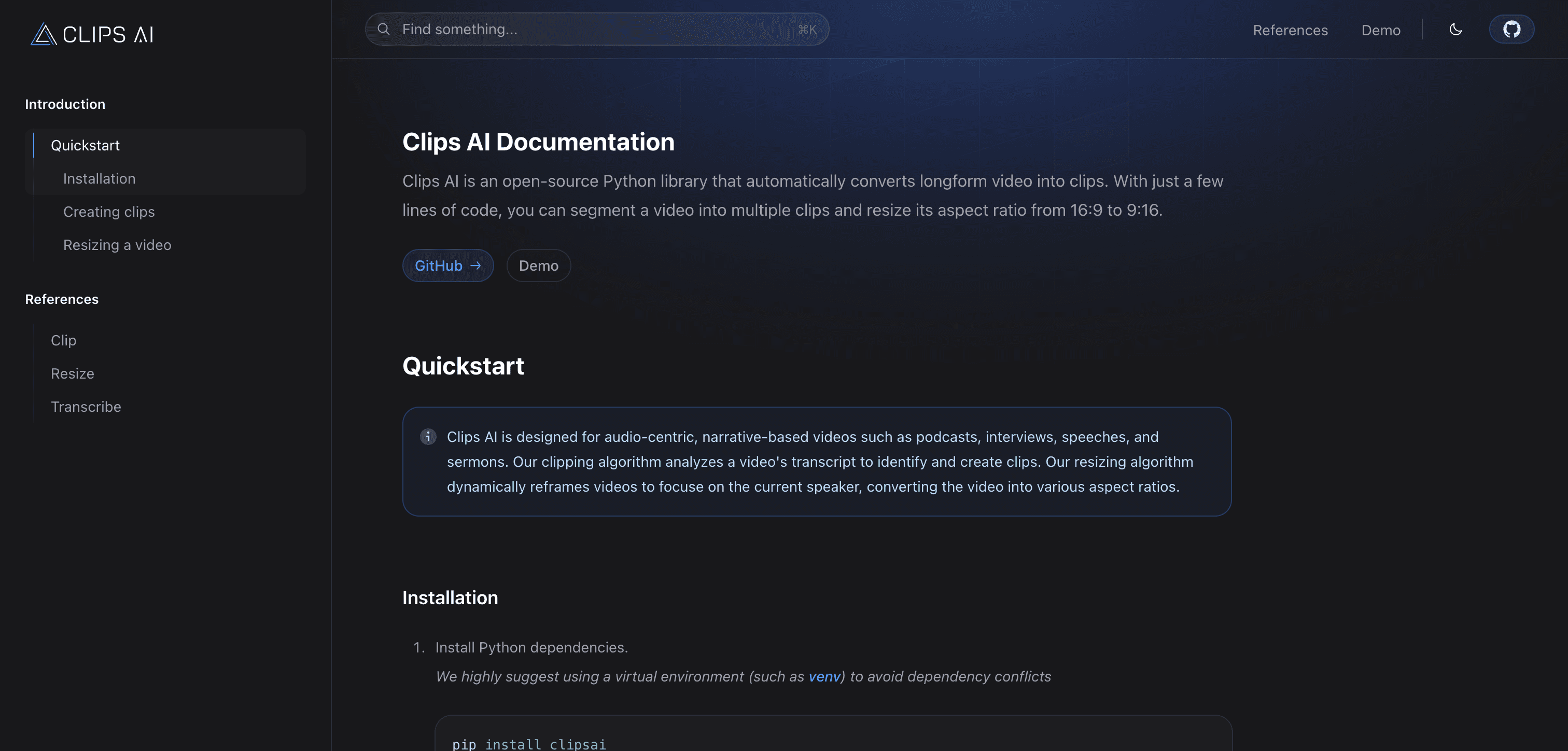
Clips AI
Free (open-source library)
AI-powered video clipping tool that automatically identifies and extracts the most engaging moments from long-form content
Pick Clips AI if you need
- ✓Short Video and Clip Generation
- ✓AI Video Editing Tools
- ✓AI-Powered Video Editing Software
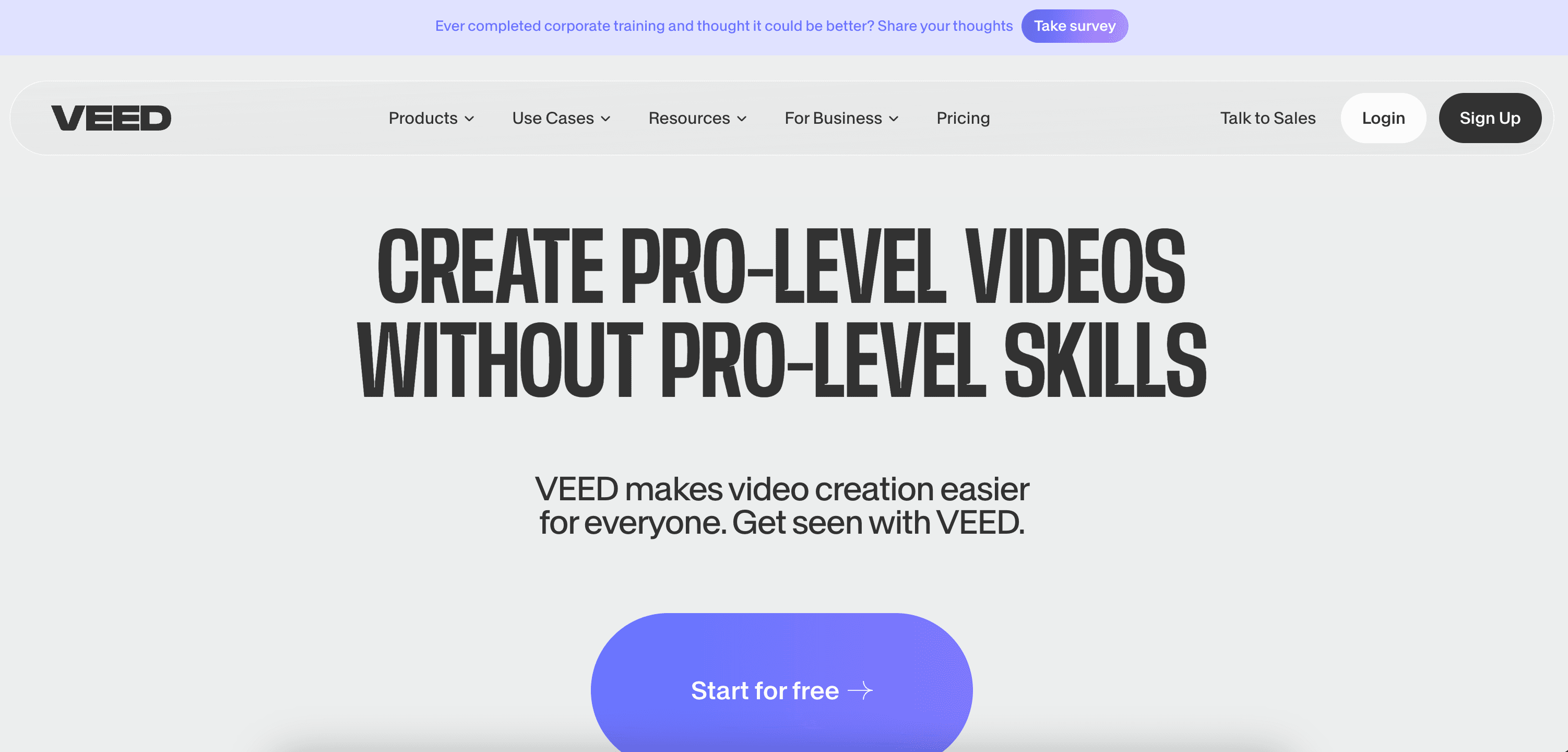
Veed.io
Pricing not listed
Online video editing platform with AI-powered tools for easy content creation
Pick Veed.io if you need
- ✓Video Upscaling and Enhancement
- ✓Background Removal and Effects
- ✓AI Photo Editors
What Clips AI and Veed.io have in common
Short Video and Clip GenerationAI Video Editing ToolsAI-Powered Video Editing SoftwareYouTube Video CreationTikTok and Reels and Shorts AI ToolsSocial Media Video GeneratorsAI Video Creation PlatformsAI Video Editing SoftwareOnline AI Video Tools
Feature comparison
Clips AI
Free (open-source library)- •Intelligent highlight detection
- •Customizable clip duration
- •Automated caption generation
- •Multi-platform export options
Veed.io
Pricing not listed- •AI-powered video editing
- •Automatic subtitles and translations
- •One-click background removal
- •Text-to-speech functionality
| Tool | Key Features | Price |
|---|---|---|
Clips AI |
| Free (open-source library) |
Veed.io |
| Pricing not listed |
Frequently asked questions
Does Clips AI have a free plan?›
Yes — Clips AI offers a free tier, so you can try it before paying.
What does Veed.io do that Clips AI doesn't?›
Veed.io covers video upscaling and enhancement, background removal and effects, AI photo editors, which Clips AI is not listed for.
Can Clips AI and Veed.io be used for the same work?›
Yes — both are listed for short video and clip generation, AI video editing tools, AI-powered video editing software, so they overlap for that kind of project.