Clips AIvsInvideo AI
Invideo AI is the broader tool — it also covers text-to-video generation and image-to-video generation, while Clips AI stays focused on what both do.
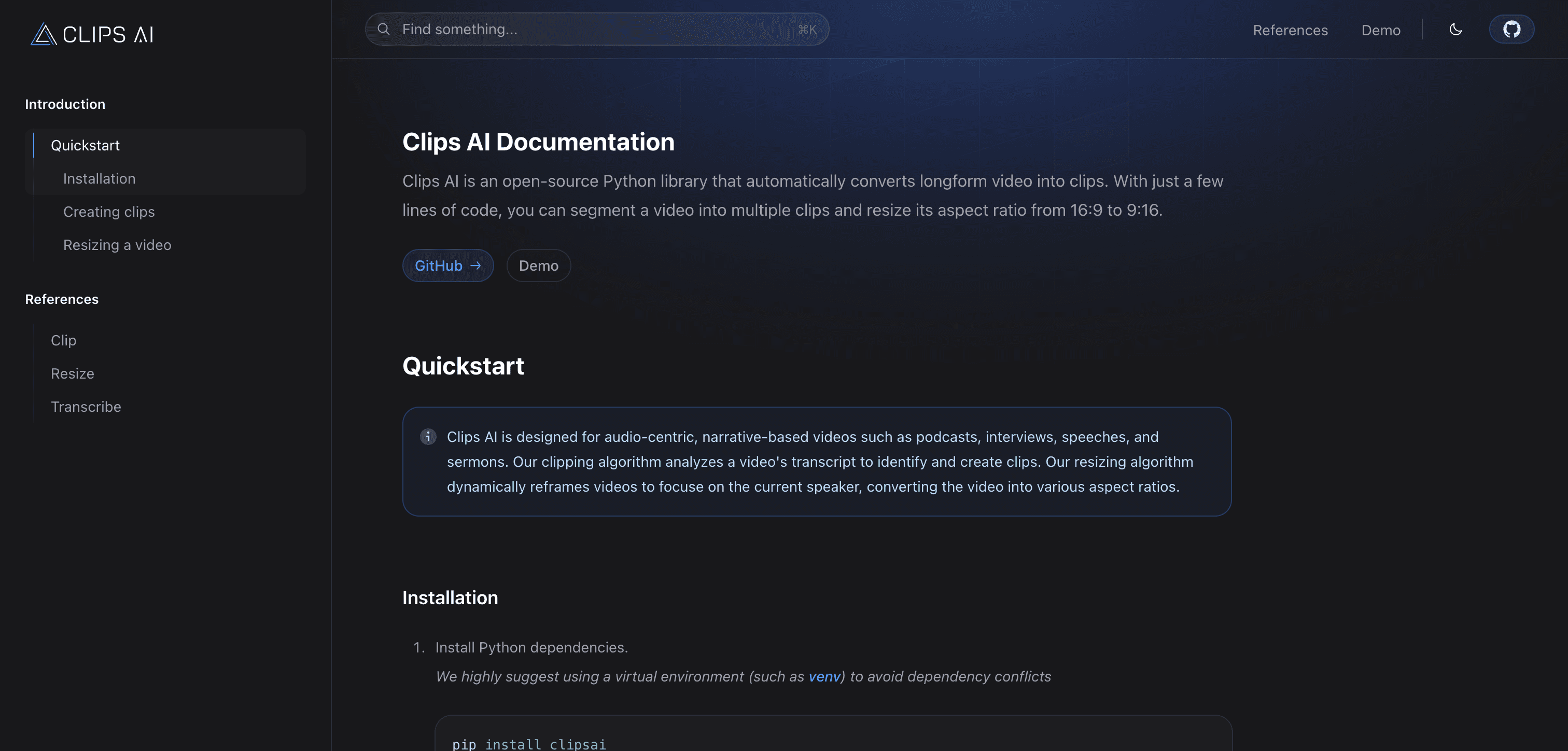
Clips AI
Free (open-source library)
AI-powered video clipping tool that automatically identifies and extracts the most engaging moments from long-form content
Pick Clips AI if you need
- ✓Short Video and Clip Generation
- ✓AI Video Editing Tools
- ✓AI-Powered Video Editing Software
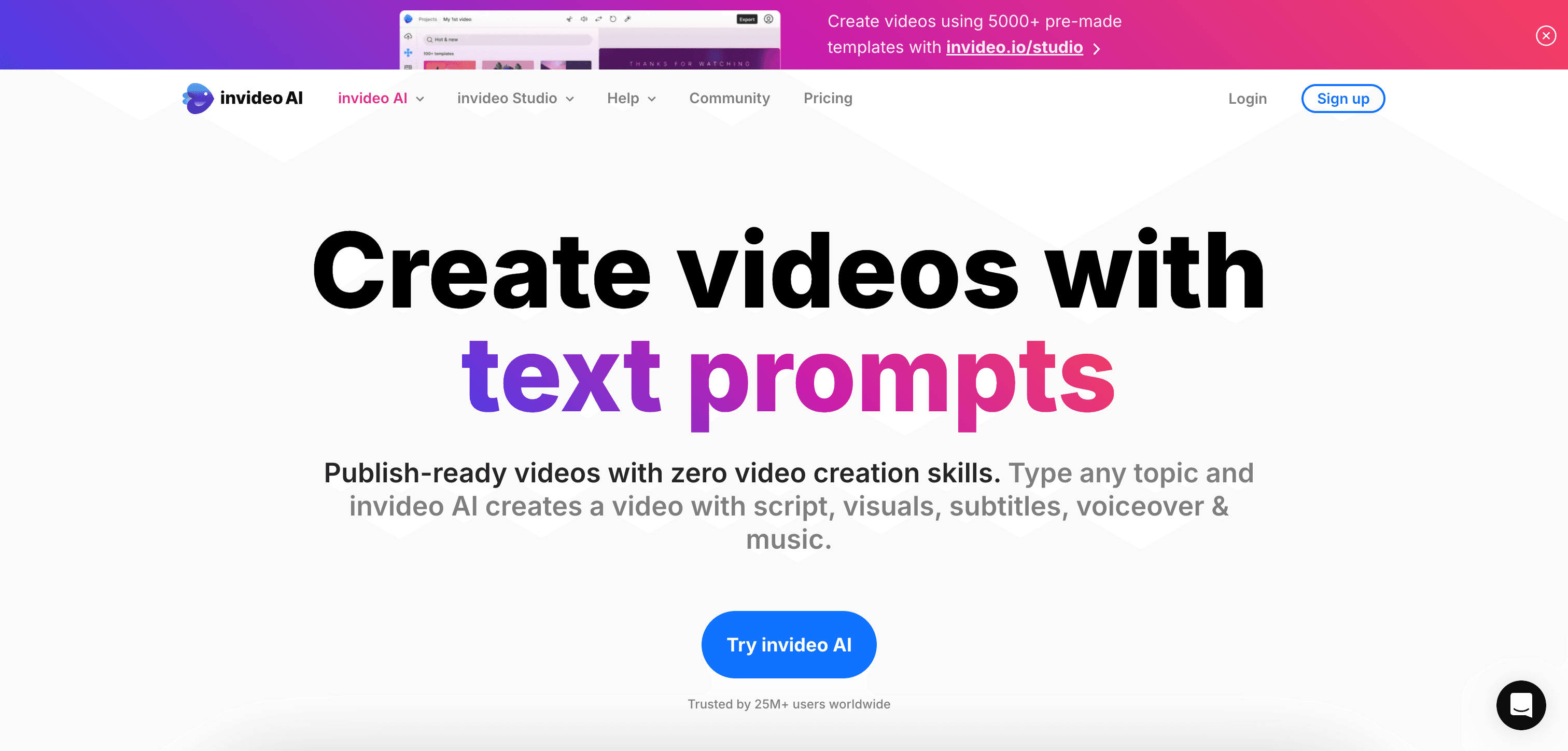
Invideo AI
Pricing not listed
AI-powered video creation platform that transforms text into engaging videos
Pick Invideo AI if you need
- ✓Text-to-Video Generation
- ✓Image-to-Video Generation
- ✓Animation and Cartoon Generation
What Clips AI and Invideo AI have in common
Short Video and Clip GenerationAI Video Editing ToolsAI-Powered Video Editing SoftwareYouTube Video CreationTikTok and Reels and Shorts AI ToolsSocial Media Video GeneratorsAI Video Creation PlatformsAI Video Editing SoftwareOnline AI Video Tools
Feature comparison
Clips AI
Free (open-source library)- •Intelligent highlight detection
- •Customizable clip duration
- •Automated caption generation
- •Multi-platform export options
Invideo AI
Pricing not listed- •Text-to-video conversion
- •Customizable templates
- •AI-generated voiceovers
- •Automatic subtitle generation
| Tool | Key Features | Price |
|---|---|---|
Clips AI |
| Free (open-source library) |
Invideo AI |
| Pricing not listed |
Frequently asked questions
Does Clips AI have a free plan?›
Yes — Clips AI offers a free tier, so you can try it before paying.
What does Invideo AI do that Clips AI doesn't?›
Invideo AI covers text-to-video generation, image-to-video generation, animation and cartoon generation, which Clips AI is not listed for.
Can Clips AI and Invideo AI be used for the same work?›
Yes — both are listed for short video and clip generation, AI video editing tools, AI-powered video editing software, so they overlap for that kind of project.