CaptionsvsOpus Clip
Opus Clip if you need long recordings scanned for clip-worthy moments; Captions if you already have short footage and want it captioned, dubbed or AI-edited — particularly on a phone.
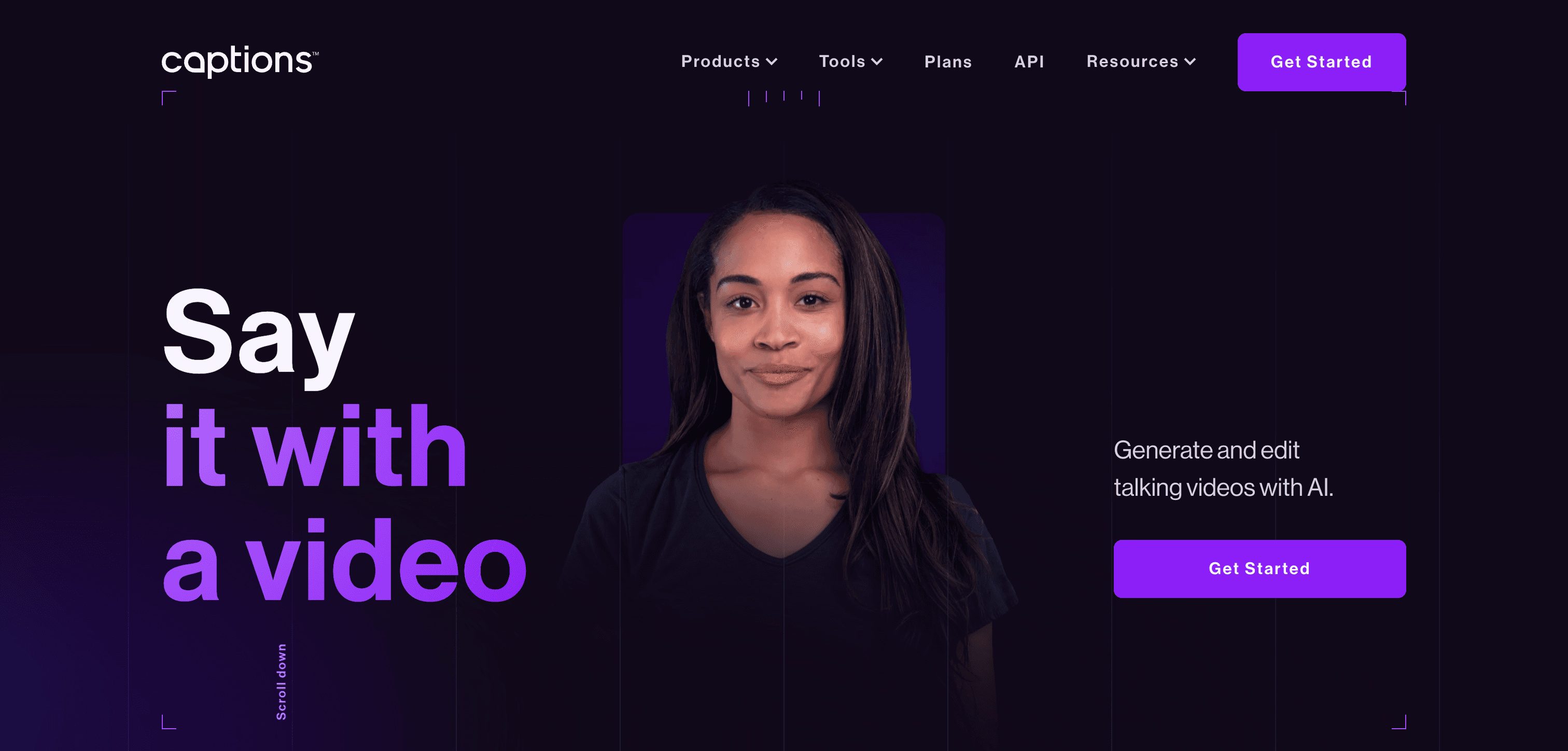
Captions
AI-powered automatic captioning and subtitling tool for videos
Pick Captions if you need
- ✓You shoot short-form directly and want captions, dubbing and AI edits applied
- ✓You work mobile-first on iOS or Android
- ✓You want AI presenter features such as digital twins and eye-contact correction
- ✓You publish across many languages — translation covers 100+
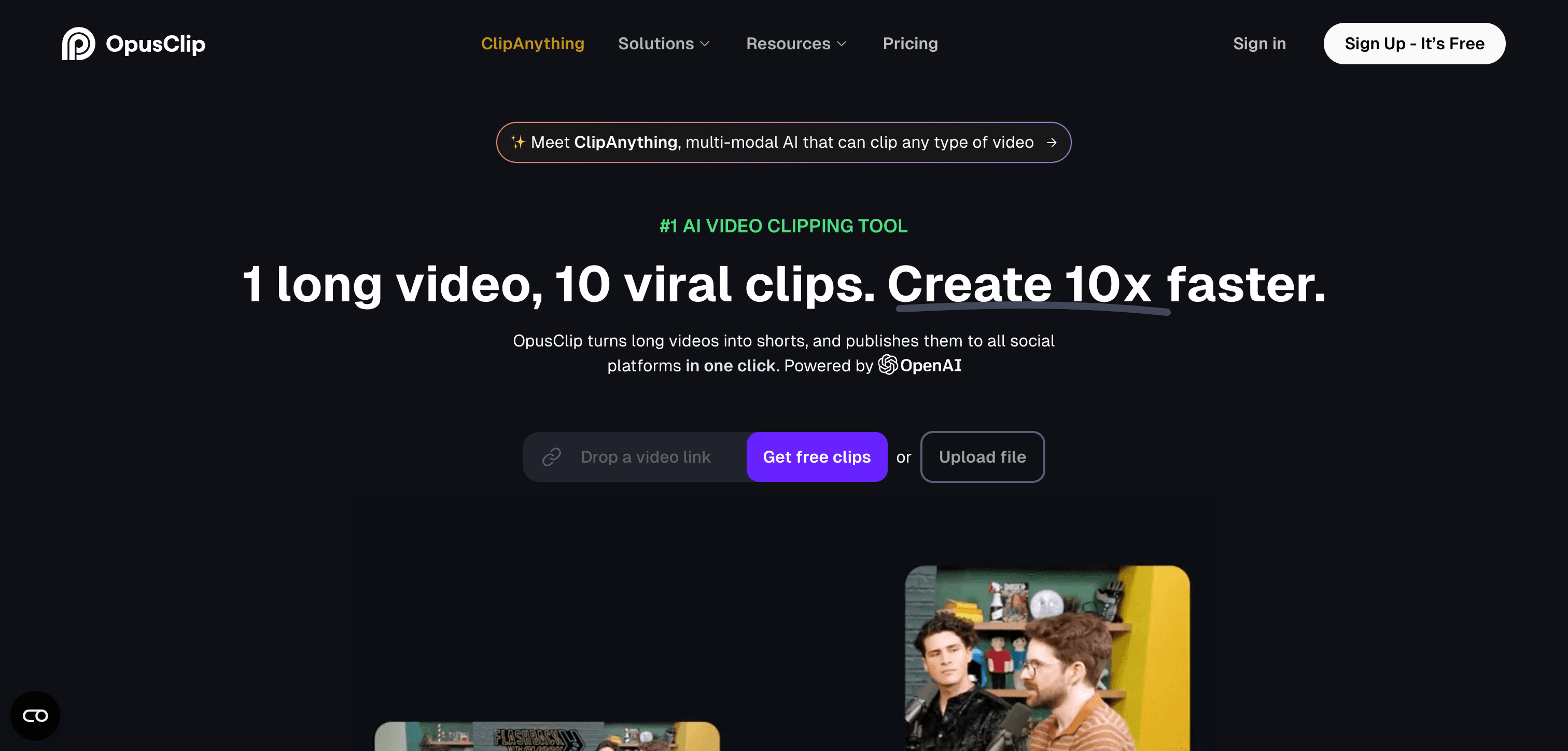
Opus Clip
AI-driven tool for automatically generating short video clips from longer content
Pick Opus Clip if you need
- ✓Your input is long-form and you need the highlights identified for you
- ✓You import from YouTube, Zoom, Google Drive or Twitch rather than uploading
- ✓You want a public API and one-click publishing to social
- ✓You want a free tier with real headroom to test on
What the pricing actually gets you
Both publish plans but meter differently. Captions runs on monthly credits, so cost tracks how much AI editing you do; its free plan covers only basic trimming, transitions and some media assets, with the AI features paid-only. Opus Clip's free plan gives 60 minutes of processing per month, which is enough to genuinely evaluate it, though animated caption templates are watermarked on free and clips expire after 3 days.
Feature comparison
Captions
$24.99 / mo- •Real-time speech recognition
- •Multi-language support
- •Customizable caption styles
- •Automatic translation
Opus Clip
$15 / mo- •Intelligent highlight detection
- •Vertical video optimization
- •AI-powered content tagging
- •Automatic caption generation
| Tool | Key Features | Price |
|---|---|---|
Captions |
| $24.99 / mo |
Opus Clip |
| $15 / mo |
Frequently asked questions
Do Captions and Opus Clip overlap?›
Only partly. Opus Clip's job is finding which parts of a long video are worth clipping. Captions' job is polishing a clip — captions, dubbing, AI edits. Creators who repurpose podcasts often use Opus Clip first and a captioning tool after.
Which has the more usable free tier?›
Opus Clip's free tier allows 60 minutes of processing a month. Captions' free plan is limited to basic editing tools, without the AI features that are its main draw.
Does either work well on a phone?›
Captions is mobile-first, built for iOS and Android with a web app alongside. Opus Clip is primarily a web tool oriented around importing and processing long recordings.
Is Captions cheaper than Opus Clip?›
Opus Clip is the cheaper option at $15 / mo, compared with $24.99 / mo for Captions.
Does Captions have a free plan?›
Yes — Captions offers a free tier, so you can try it before paying.
What does Captions do that Opus Clip doesn't?›
Captions covers AI subtitle and caption generation, AI video transcription, free AI video software, which Opus Clip is not listed for.
What does Opus Clip do that Captions doesn't?›
Opus Clip covers short video and clip generation, AI video editing tools, TikTok and reels and shorts AI tools, which Captions is not listed for.