CaptionsvsInvideo AI
Captions if you are polishing video you filmed — captions, dubbing, AI presenter edits; Invideo AI if you have no footage and want video generated from a prompt with stock and voiceover.
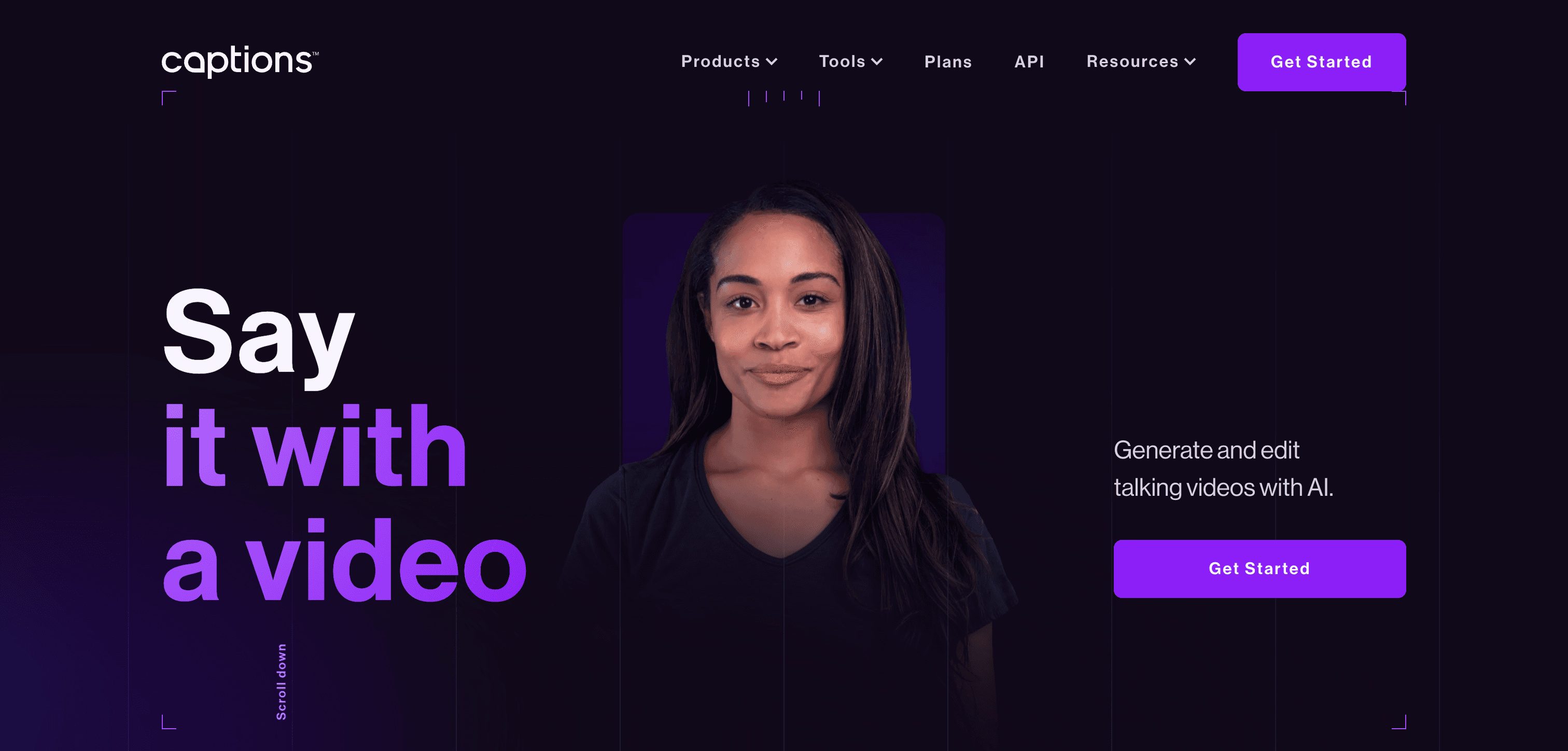
Captions
AI-powered automatic captioning and subtitling tool for videos
Pick Captions if you need
- ✓You film yourself and want captions, translation and dubbing applied to real footage
- ✓You work primarily on a phone — Captions is mobile-first across iOS and Android
- ✓You want AI presenter features such as digital twins and eye-contact correction
- ✓You publish in many languages; Captions covers 100+ for translation
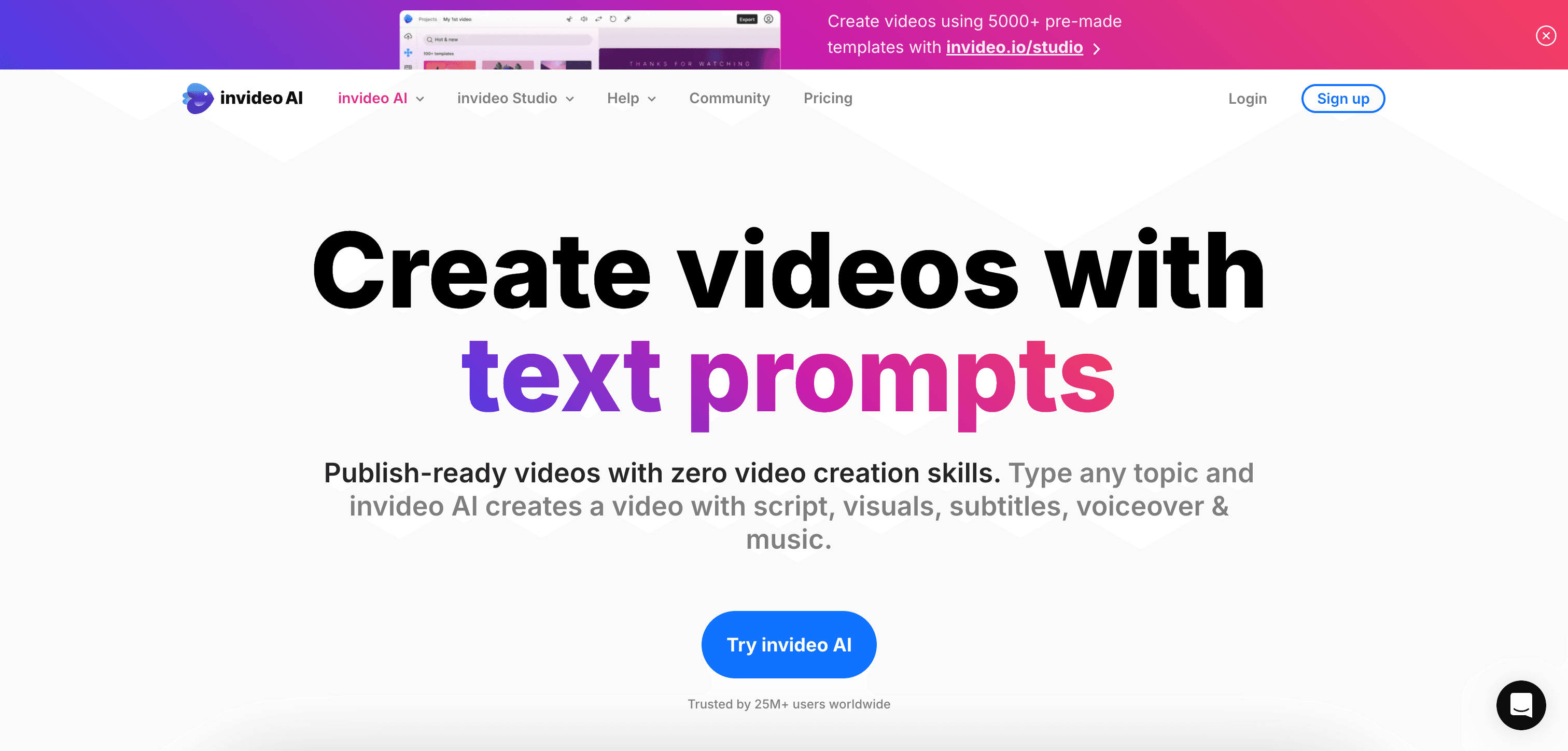
Invideo AI
AI-powered video creation platform that transforms text into engaging videos
Pick Invideo AI if you need
- ✓You have no footage and are starting from a script or prompt
- ✓You want licensed stock from iStock and Storyblocks assembled automatically
- ✓You need real-time collaboration with teammates on the same project
- ✓You produce marketing video where a stock-and-voiceover format is acceptable
What the pricing actually gets you
Captions publishes plans and meters by monthly credits, so heavy AI editing burns through a tier faster than light use — its free plan is limited to basic trimming, transitions and some media library assets, with the AI features people buy it for kept on paid tiers. Invideo AI does not publish pricing on its pricing page, and its free-plan terms and export resolution are not stated, so it cannot be budgeted for without signing up. Compare on credits and generated minutes rather than headline monthly cost.
What Captions and Invideo AI have in common
Feature comparison
Captions
$24.99 / mo- •Real-time speech recognition
- •Multi-language support
- •Customizable caption styles
- •Automatic translation
Invideo AI
Pricing not listed- •Text-to-video conversion
- •Customizable templates
- •AI-generated voiceovers
- •Automatic subtitle generation
| Tool | Key Features | Price |
|---|---|---|
Captions |
| $24.99 / mo |
Invideo AI |
| Pricing not listed |
Frequently asked questions
Does Captions generate video from a text prompt?›
Captions works on video you supply — its strengths are captions, dubbing, translation and AI edits applied to real footage. Prompt-to-video from scratch is Invideo AI's core function, not Captions'.
Which is better for multilingual content?›
They approach it differently. Captions dubs and translates footage you filmed across 100+ languages. Invideo AI generates AI voiceover in the language you prompt in. If you want your own voice speaking another language, Captions is the relevant tool.
Can I see Invideo AI's pricing before signing up?›
Not reliably — Invideo AI does not display plan pricing on its public pricing page, so you should verify cost in-app before committing.
Does Captions have a free plan?›
Yes — Captions offers a free tier, so you can try it before paying.
What does Captions do that Invideo AI doesn't?›
Captions covers free AI video software, which Invideo AI is not listed for.
What does Invideo AI do that Captions doesn't?›
Invideo AI covers text-to-video generation, image-to-video generation, animation and cartoon generation, which Captions is not listed for.
Can Captions and Invideo AI be used for the same work?›
Yes — both are listed for AI subtitle and caption generation, AI video transcription, so they overlap for that kind of project.