AutocutvsCapcut
AutoCut is not a standalone editor — it is a plugin that automates cuts inside Premiere Pro or DaVinci Resolve, so pick it only if you already edit there; if you do not own a professional NLE, CapCut is the practical choice because it is a complete free editor on its own.
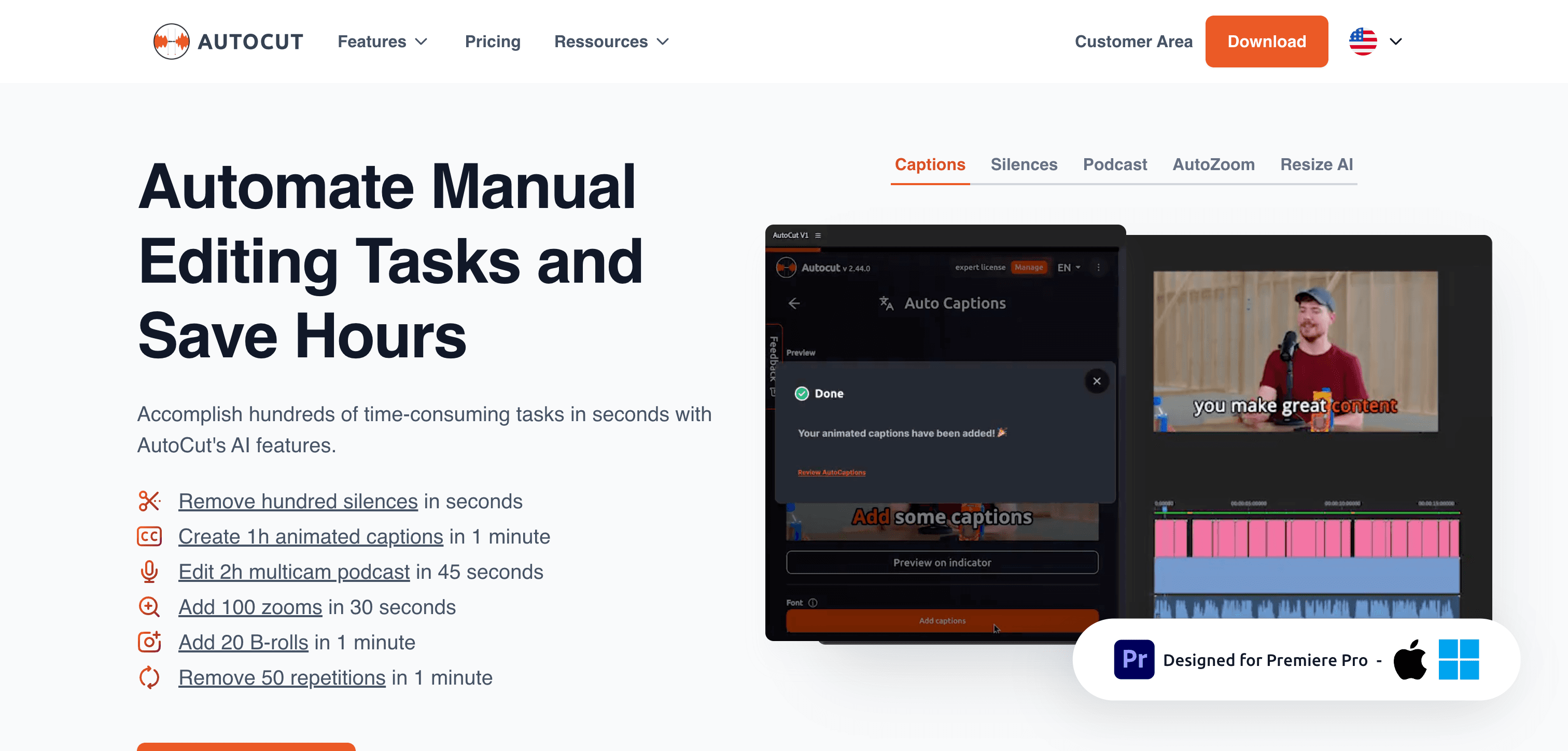
Autocut
AI-powered video editing tool for automatically cutting and assembling highlight reels
Pick Autocut if you need
- ✓You already edit in Adobe Premiere Pro or DaVinci Resolve and want to stay in that timeline
- ✓Silence removal, auto-zooms, captions and b-roll placement are repetitive chores eating your edit time
- ✓You need the automation to output an editable sequence you can still adjust by hand, not a flattened render
- ✓You work on long projects — AutoCut does not cap project length
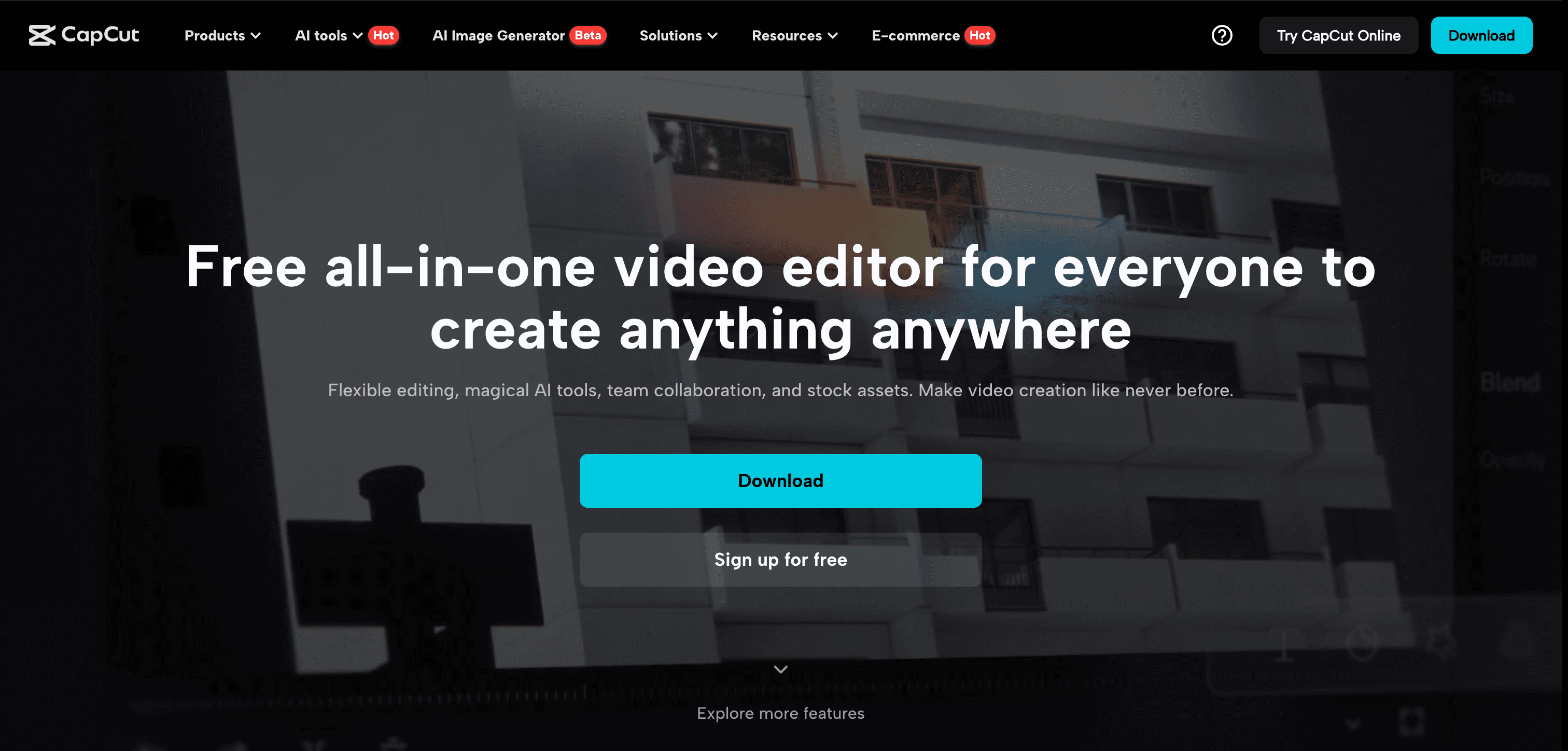
Capcut
CapCut is a powerful AI-driven video editing app that simplifies content creation for social media platforms.
Pick Capcut if you need
- ✓You do not own or want to learn Premiere Pro or DaVinci Resolve
- ✓You want one free app that does the whole edit from import to export
- ✓You edit on mobile, or need to move between phone, desktop and web
- ✓Templates and social-ready effects matter more than automating a professional timeline
What the pricing actually gets you
AutoCut's headline price buys less than it looks like. The entry tier covers silence removal only — the AI features most people want (auto-captions, auto-zoom, b-roll) sit on the higher AI plan at roughly double the entry price. There is a 14-day free trial of all features with no card required. On top of that, AutoCut assumes you are already paying for Premiere Pro or DaVinci Resolve, so the true cost includes that host application. CapCut's editor costs nothing and needs no host app, with Pro pricing shown only in-app.
What Autocut and Capcut have in common
Feature comparison
Autocut
$9.9 / mo- •Intelligent scene detection and selection
- •Automated video trimming and assembly
- •Customizable editing preferences
- •One-click export to multiple formats
Capcut
Pricing not listed- •AI-powered video editing tools
- •Extensive template library
- •Multi-track editing capabilities
- •Seamless social media integration
| Tool | Key Features | Price |
|---|---|---|
Autocut |
| $9.9 / mo |
Capcut |
| Pricing not listed |
Frequently asked questions
Can AutoCut be used without Premiere Pro or DaVinci Resolve?›
No. AutoCut is a plugin that runs inside Adobe Premiere Pro or DaVinci Resolve. It is not a standalone application, so it cannot be used on its own the way CapCut can.
Does AutoCut's cheapest plan include captions?›
No. The entry Basic plan covers silence removal only. AutoCaptions, AutoZoom and the rest of the AI toolset require the higher AI plan. A 14-day trial gives access to all features without a credit card.
Does CapCut do automatic silence removal like AutoCut?›
CapCut has auto-captions and various AI editing helpers, but AutoCut is purpose-built around silence and filler-word cutting inside a professional timeline, and returns an editable sequence rather than a finished export.
What does Autocut do that Capcut doesn't?›
Autocut covers AI-generated YouTube channels, which Capcut is not listed for.
What does Capcut do that Autocut doesn't?›
Capcut covers animation and cartoon generation, free AI video generators, video upscaling and enhancement, which Autocut is not listed for.
Can Autocut and Capcut be used for the same work?›
Yes — both are listed for short video and clip generation, AI video editing tools, AI-powered video editing software, so they overlap for that kind of project.