2short.aivsMakeShorts
Pick 2short.ai if you need to upload video files directly and want watermark-free exports on cheap plans; pick MakeShorts only if all your source video is already on YouTube and price is the deciding factor.
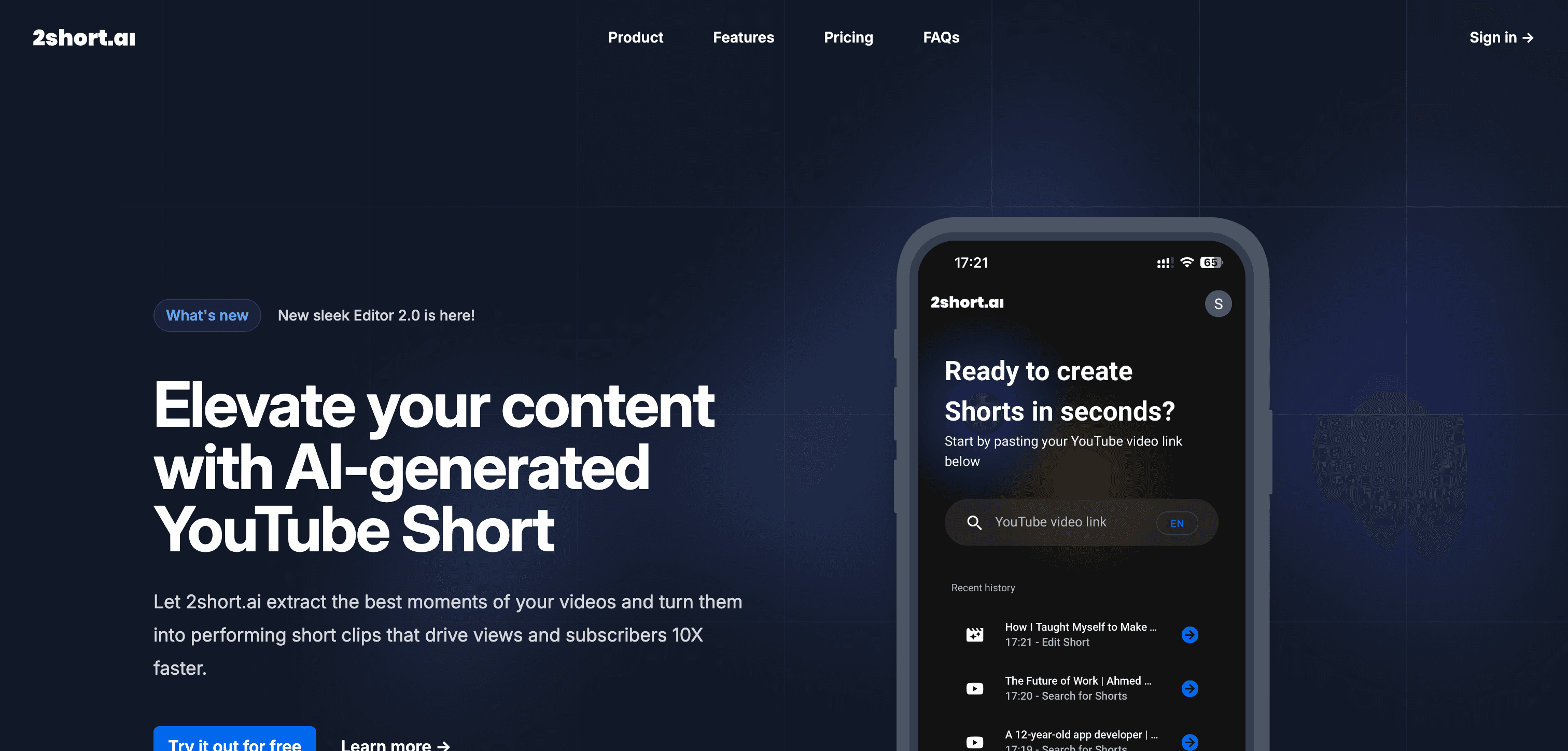
2short.ai
AI-powered tool for automatically generating short-form video content from longer videos
Pick 2short.ai if you need
- ✓You need to upload video files directly rather than pasting a YouTube link
- ✓You want exports with no watermark even on the lower tiers
- ✓You want a free tier you can actually publish from — 30 minutes of analysis a month, 1080p, unwatermarked
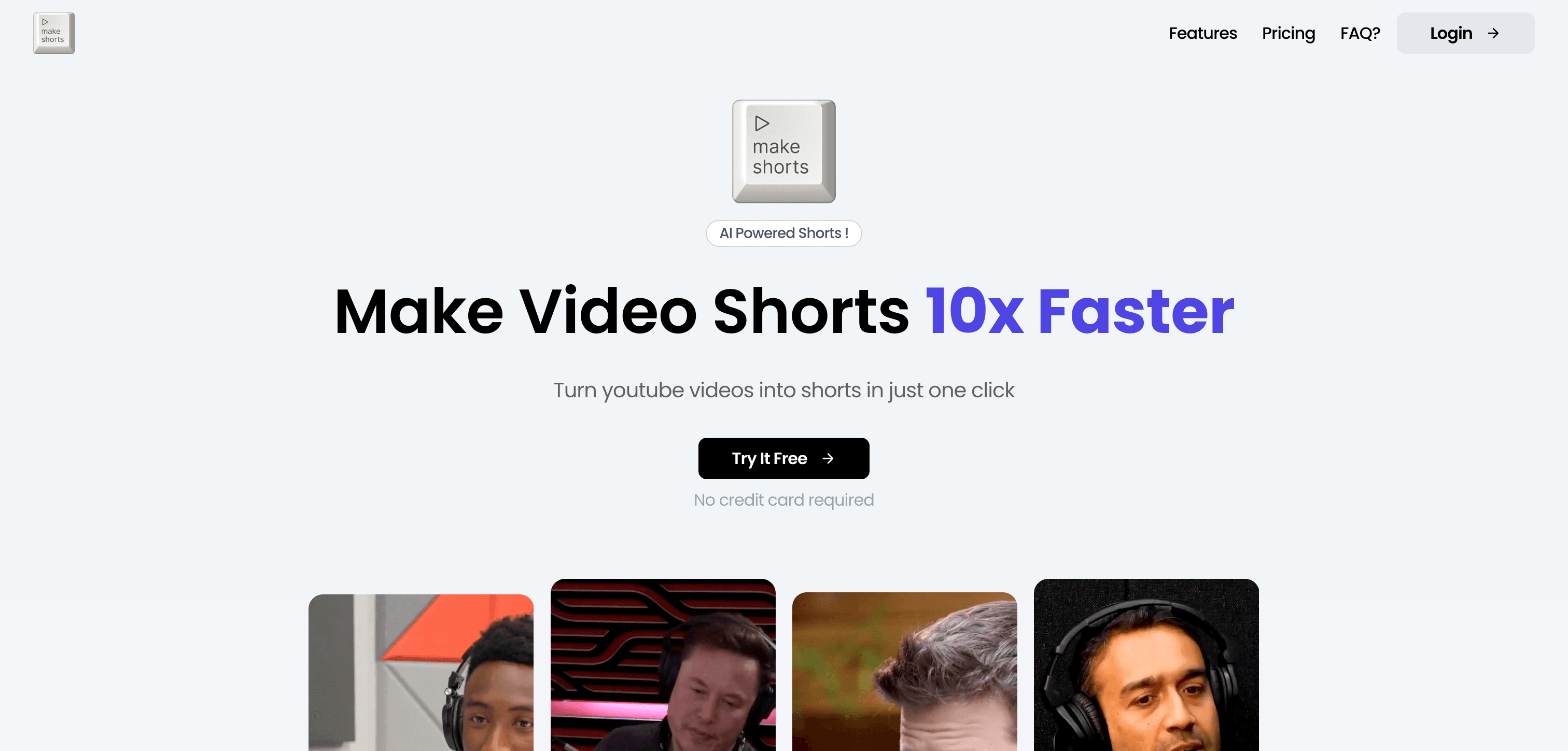
MakeShorts
AI-driven tool for automatically converting long-form videos into engaging short-form content.
Pick MakeShorts if you need
- ✓All your source video is already published on YouTube
- ✓You want the lowest possible monthly cost and can commit to annual billing
- ✓You need automated music and sound effects added to clips
- ✓You publish across 30+ languages
What the pricing actually gets you
MakeShorts is the cheaper headline, but two conditions attach: that price requires annual billing, and its free plan watermarks clips and deletes them after 3 days. More significantly, MakeShorts accepts YouTube links only — there is no direct file upload, so any footage not already on YouTube cannot be processed at all. 2short.ai's free tier is more usable in practice, allowing 30 minutes of analysis per month at 1080p with no watermark, though Google Drive and URL imports are gated to paid plans and there is no API. Both require speech in the video to find highlights.
What 2short.ai and MakeShorts have in common
Feature comparison
2short.ai
$9.9 / mo- •Intelligent video summarization
- •Vertical video optimization
- •AI-driven content selection
- •Automatic captions and subtitles
MakeShorts
$6 / mo- •Smart content summarization
- •Vertical video optimization
- •Automated music and sound effects
- •Platform-specific formatting
| Tool | Key Features | Price |
|---|---|---|
2short.ai |
| $9.9 / mo |
MakeShorts |
| $6 / mo |
Frequently asked questions
Can MakeShorts process a video file from my computer?›
No. MakeShorts works from YouTube links only. If your source footage is not on YouTube, you would need to upload it there first, or use a tool like 2short.ai that accepts direct uploads.
Does 2short.ai watermark free exports?›
No. 2short.ai exports at 1080p without a watermark, including on its free tier, which allows 30 minutes of analysis per month. MakeShorts does watermark free-plan clips and expires them after 3 days.
Do these tools work on video without speech?›
2short.ai requires speech in the video — it selects highlights from the transcript, so silent or music-only footage will not work. Both tools are designed around talking-head and spoken content.
Is 2short.ai cheaper than MakeShorts?›
MakeShorts is the cheaper option at $6 / mo, compared with $9.9 / mo for 2short.ai.
Does 2short.ai have a free plan?›
Yes — 2short.ai offers a free tier, so you can try it before paying.
What does 2short.ai do that MakeShorts doesn't?›
2short.ai covers AI video generation apps, which MakeShorts is not listed for.
What does MakeShorts do that 2short.ai doesn't?›
MakeShorts covers short video and clip generation, AI-powered video editing software, YouTube video creation, which 2short.ai is not listed for.
Can 2short.ai and MakeShorts be used for the same work?›
Yes — both are listed for AI video editing tools, TikTok and reels and shorts AI tools, AI video creation platforms, so they overlap for that kind of project.